We give you the content.
You bring the judgment.
Improve how your team plans, reviews, and delivers work. Bring decisions and updates together in a workflow that fits your team.
AI gives you options. Context helps you choose.
When an AI project starts to feel like a multiple-choice test, the hard part is deciding what fits. ViaVai gives you the goals, constraints, and decisions behind the work. You decide what to do next.
A map to your goal. You choose the route.
ViaVai shows what needs to get done and suggests an order. Draft the release notes while design review is underway, then pick up the work that depends on the review once it’s complete.
Meet Virgilio, your AI project manager.
Virgilio follows the project as it changes. Ask him where things stand, what’s at risk, or which decision is holding up the next step. Chat with him in ViaVai today. Slack chat and meeting participation are planned.
Reduce cognitive load with the right level of detail.
Give each role enough context to make its next decision.
- General manager
- See progress against goals and what’s at risk.
- Engineering manager
- See dependencies, reviews, and where the workflow gets stuck.
- Engineer
- See your next task and the decisions behind it.
Bring your own tools and agents.
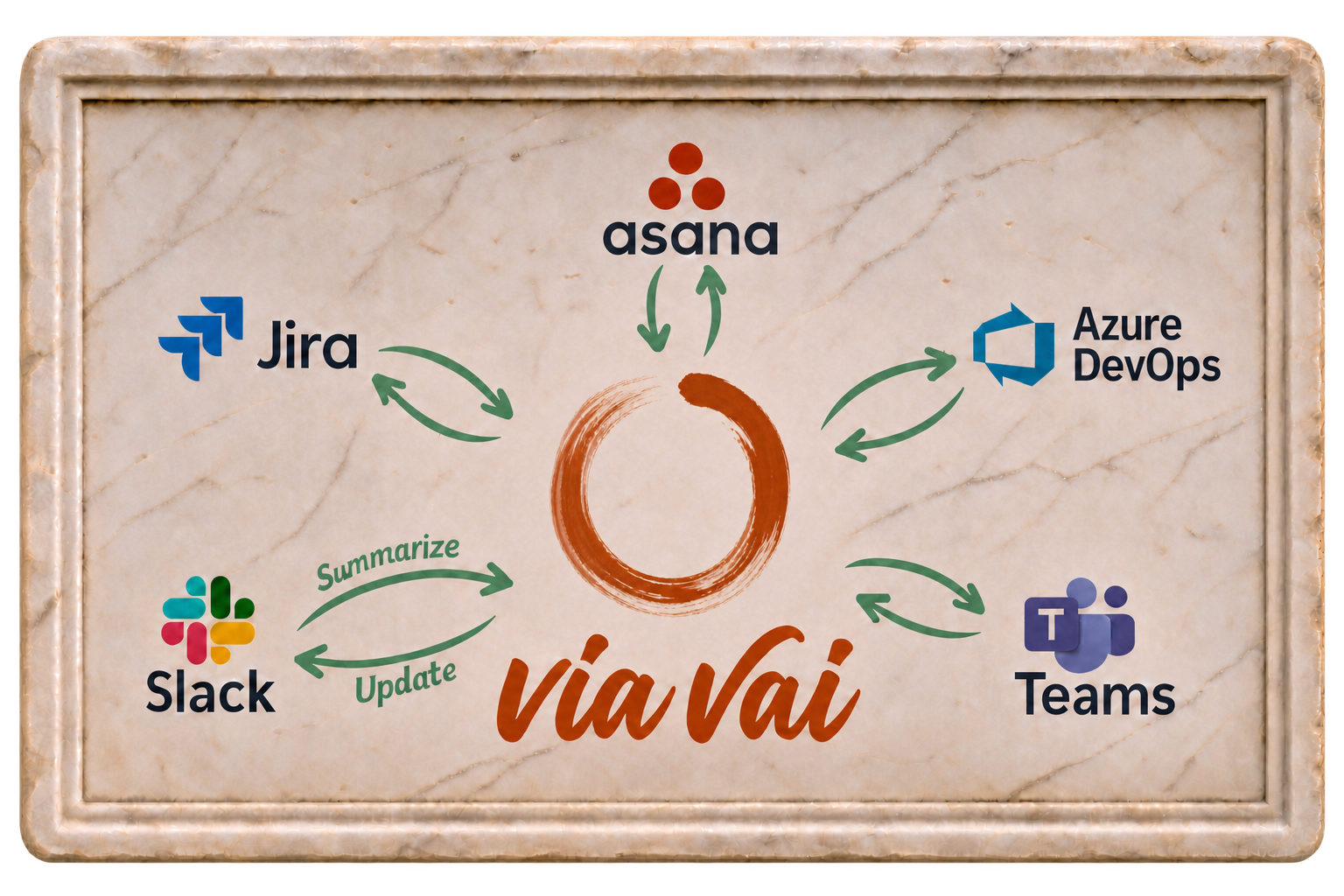
Create a project in seconds. Your team keeps working in the tools it already uses while connected updates flow into ViaVai. With integrations that support write-back, changes can flow back too.
Use adapters to connect your tools and give cloud agents the project context they need to get started.
Planned connections
See where AI is taking hold.
Use team analytics to see where people use AI across the workflow and where they could use more support.
Improve the work before and after coding.
Set the scope before implementation. Carry the outcome through review, release, and updates across the tools your team uses.
See a project in motion.
Follow the ViaVai project from a high-level briefing to the tickets and decisions behind it.
- Get oriented
- Open the Overview TL;DR, then see the people and agents involved under Actors.
- Follow the work
- Pan across the Board’s lifecycle stages and switch to Tickets to see how related work connects.
- See what needs attention
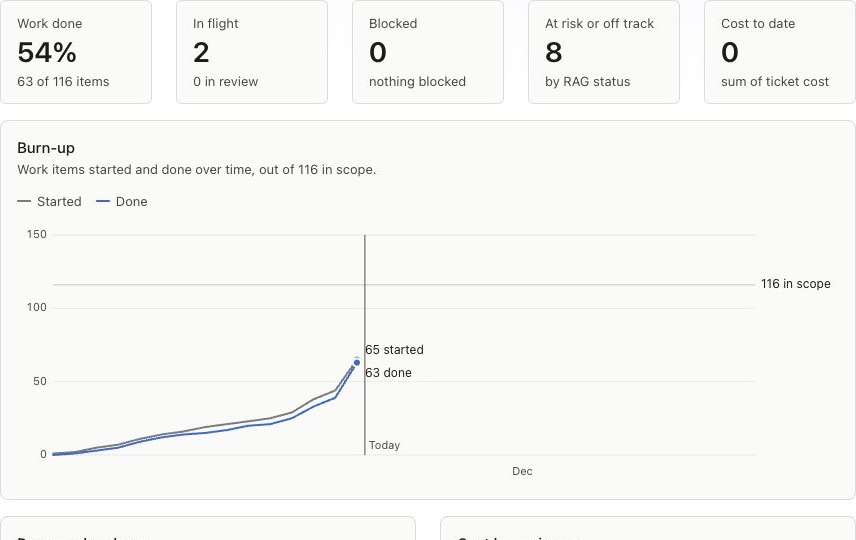
- Check progress in Status, then scroll to the at-risk tickets and their RAG explanations.
- Ask Virgilio
- Use the project chat to follow up with a question like “How is the project going?”